-
DD
KeymasterNovember 5, 2019 at 17:02 in reply to: New install setup questions34. Do you have the same problem with a default WP theme? Many hosting companies have limit for number of running prosesses or database connections.
35. Use is_user_logged_in()
Open wp-content\themes\onecommunity\buddypress\members\single\home.php
remove everything and paste it – https://pastebin.com/V0AF4h2fKeymasterNovember 5, 2019 at 16:53 in reply to: New install setup questionsYou can change the user results URL under the general Options -> User results panel: https://i.imgur.com/hL34CA3.png
KeymasterWould you be willing to perform some custom work once we are through proof of concept using the same theme?
It depends what kind of customisation you need. Actually I’m busy updating all old themes to make it more modern.
Are you providing a Youzer Update One Community Theme Version for us Youzer users?
Yes, all important updates will be provided.
KeymasterHello
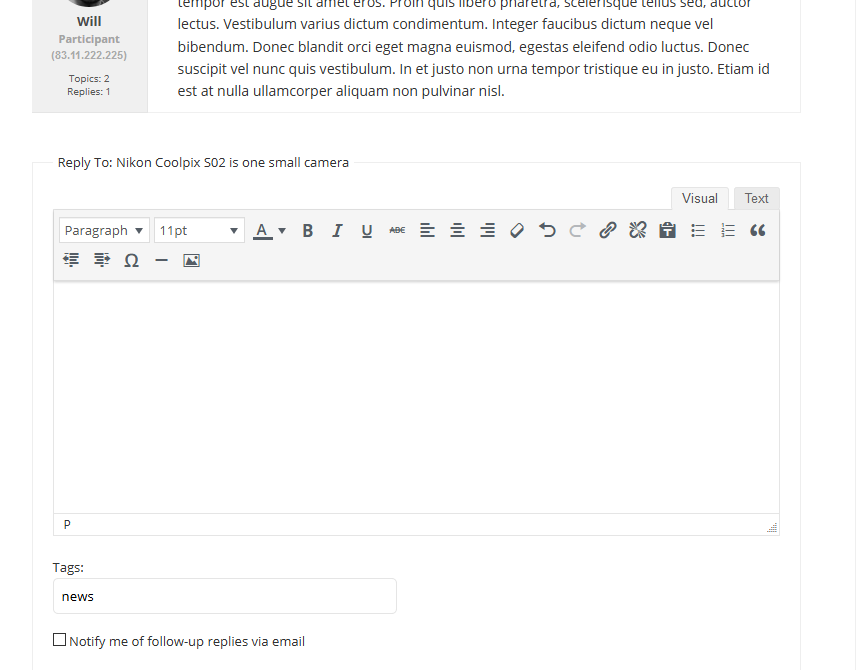
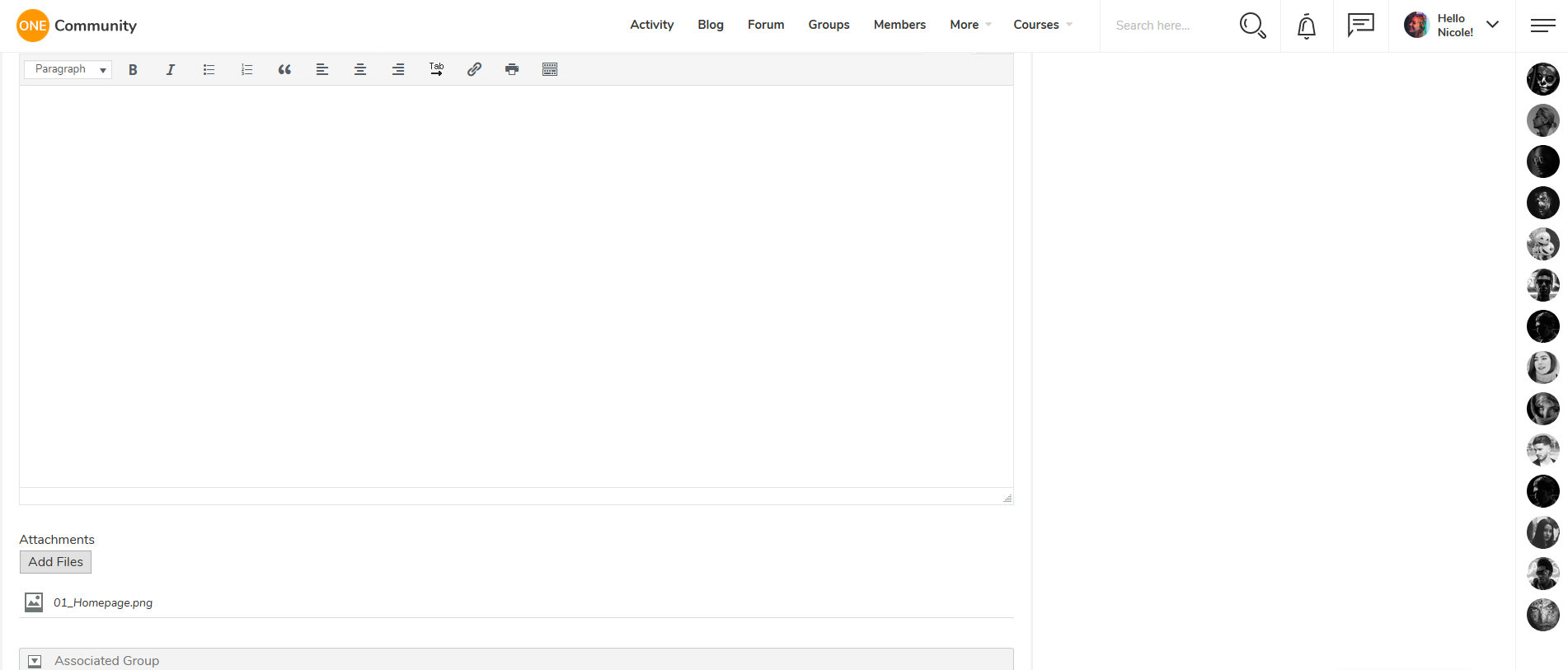
Are you posting it under Visual or Text editor? – http://diaboliquedesign.com/screenshots/1/screenshot_at_16-15-55.png Is this happen when a default WP theme is active?
KeymasterNovember 4, 2019 at 17:30 in reply to: New install setup questionsI can duplicate your problem on test site, I reported it to the plugin developer.
KeymasterHello
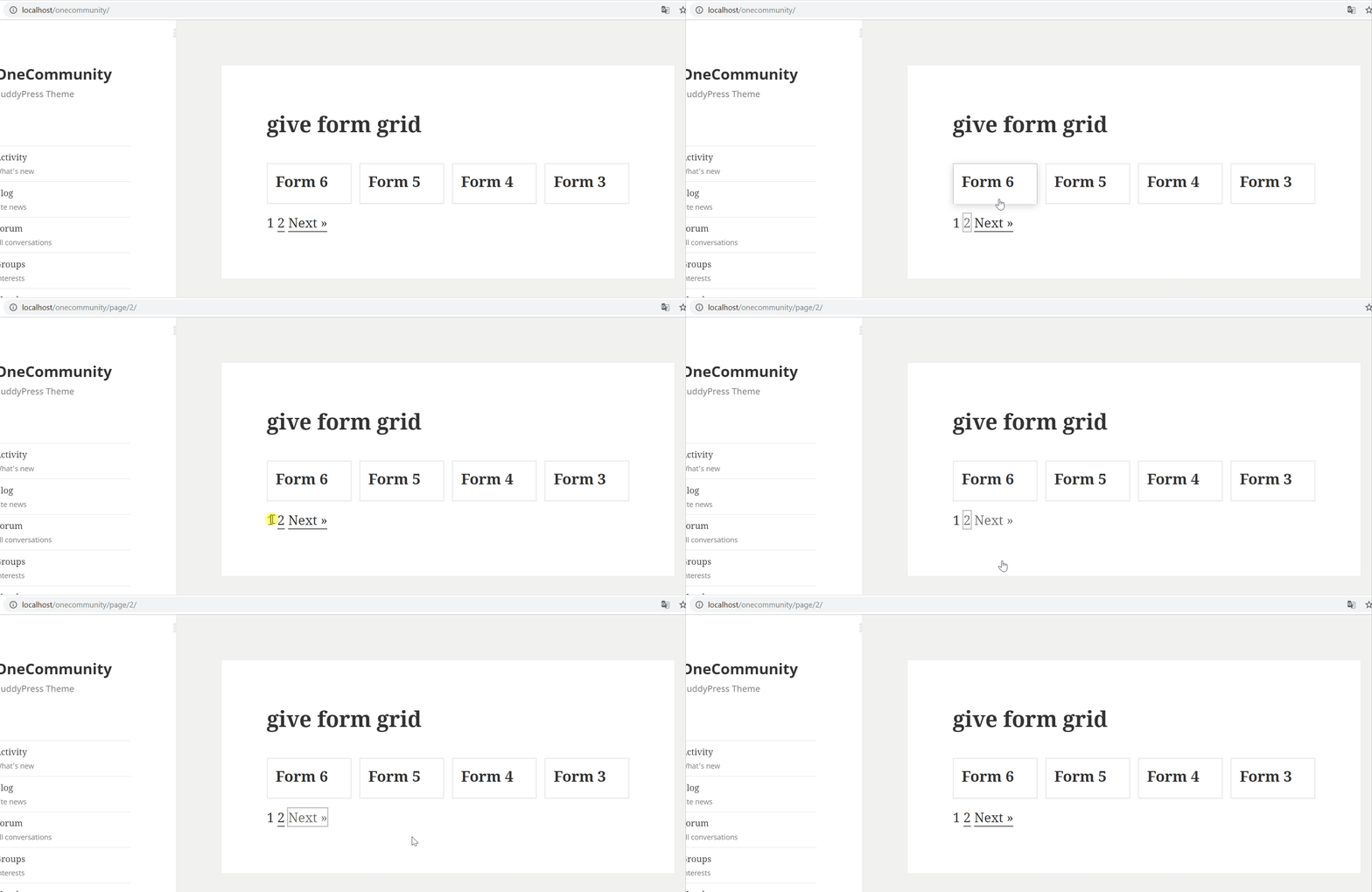
I see the same problem with a default WP theme when you setup a page containing this shortcode as a frontpage
 KeymasterNovember 3, 2019 at 16:05 in reply to: New install setup questions
I think this is not a theme releated question but a question to gamipress developer, please test it under a default WP theme and if the problem persists then you should report it as a bug to the gamipress’s developer -> https://wordpress.org/support/plugin/gamipress/
They are fixing bugs quickly.KeymasterNovember 3, 2019 at 15:47 in reply to: Login Button doens't workDoes it work on the inner pages? Login popup window on the frontpage is blocked and it can be unblocked under appearance -> customise -> general
Also noticed on blog posts on the left side where it shows the tags it shows something called “Share:” but nothing below it. Rather odd.. Not sure how to fix that either.
Do the other javascript actions work, for example sliding right panel with members?
KeymasterYes, I will take a look on it.
KeymasterNovember 2, 2019 at 14:13 in reply to: New install setup questionsOr simpy you don’t have any achievements gained yet after change points for koq.
KeymasterNovember 2, 2019 at 13:43 in reply to: New install setup questionsTry
_gamipress_points_KOQor
_gamipress_koq_koqAlso make sure the caching is disabled.
KeymasterNovember 2, 2019 at 12:50 in reply to: New install setup questions27. Open leaderboard.php and change
_gamipress_points_points
for
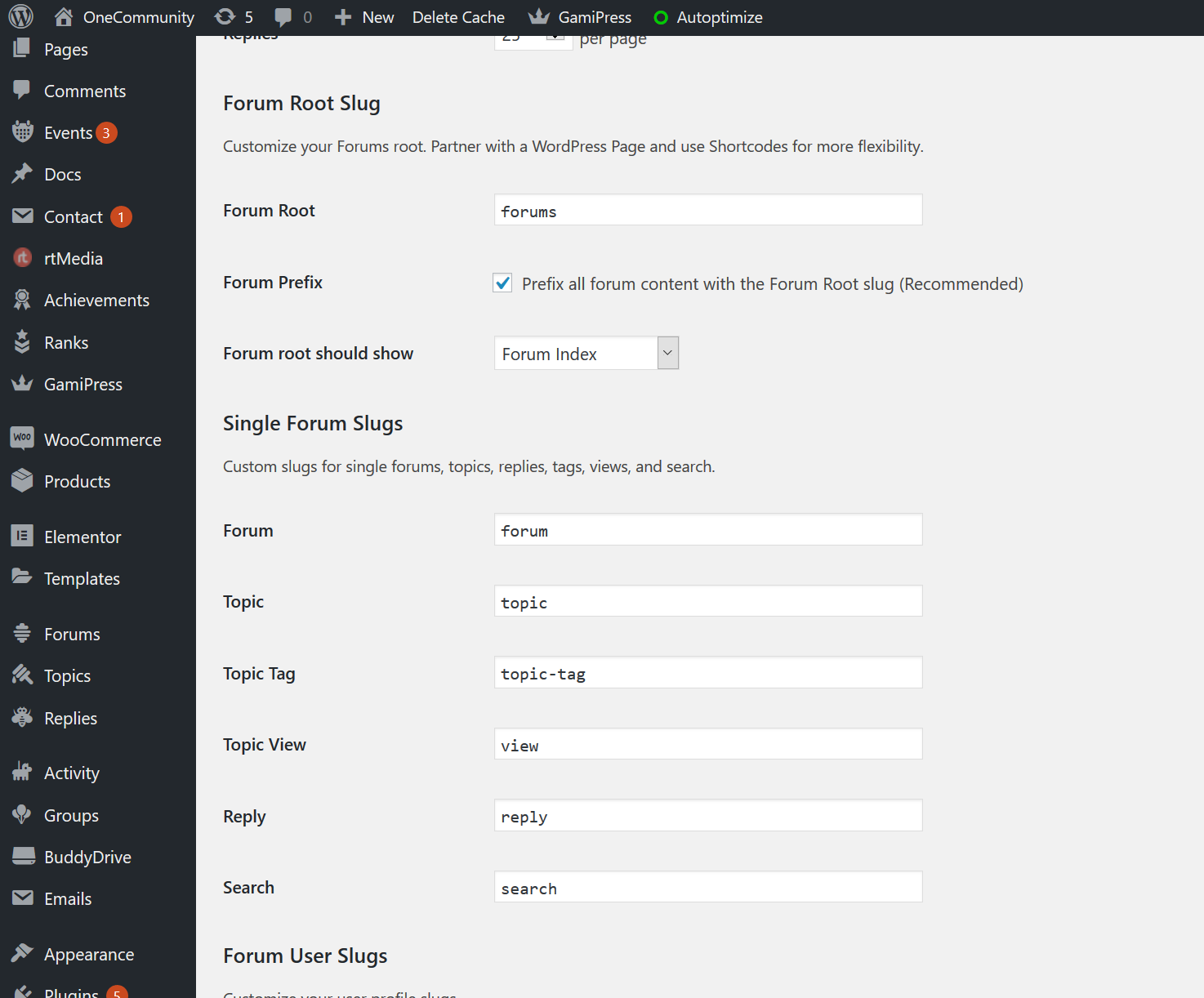
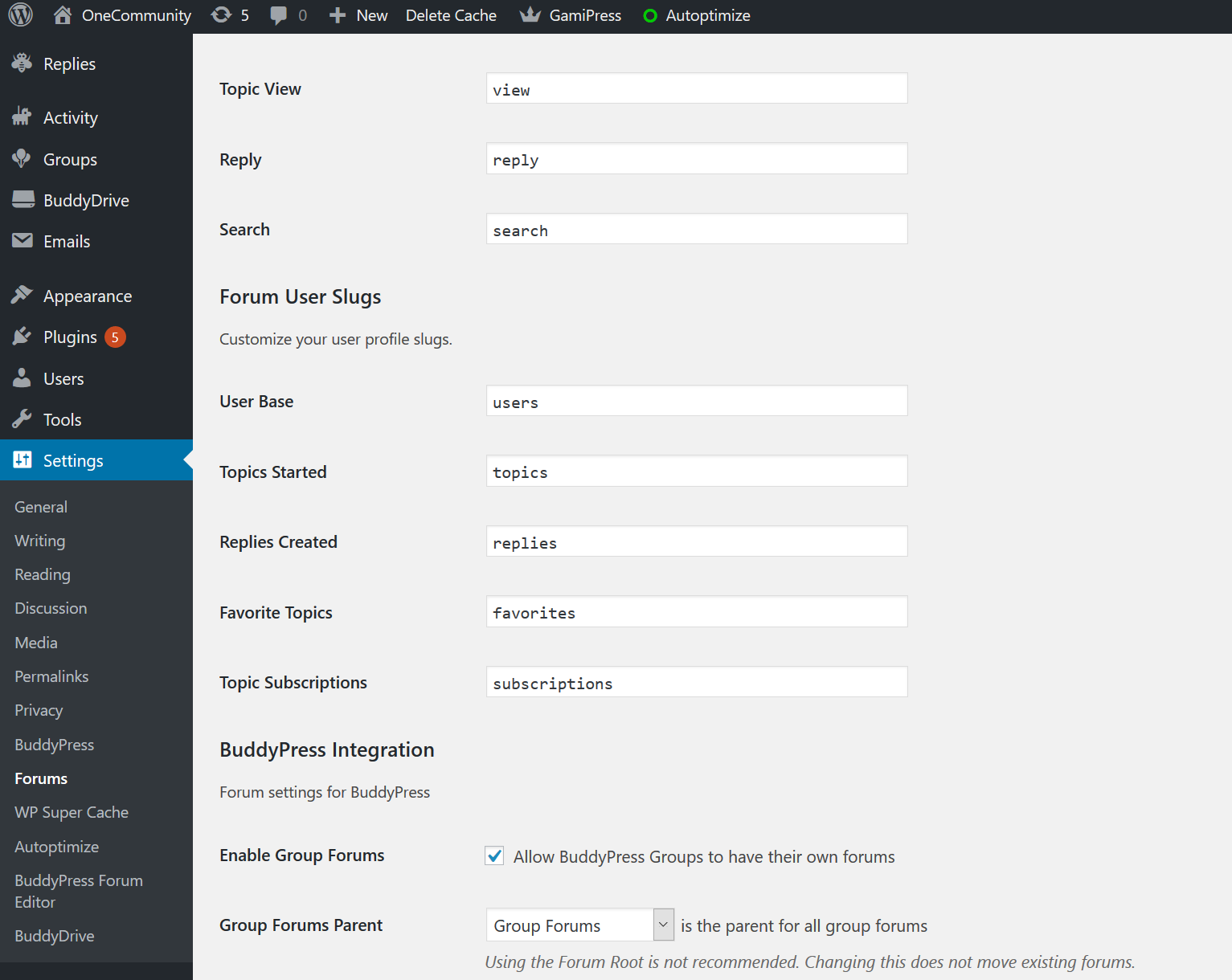
_gamipress_points_koq29. Please go to wo dashboard -> settings -> forum and setup everything just like on this screenshot – https://imgur.com/a/TZs5aWi
KeymasterNovember 2, 2019 at 12:43 in reply to: Elementor Page IssueHello
Please open the wp-content/themes/onecommunity/page.php file, remove everything and paste it https://pastebin.com/k1wxgPYY
KeymasterCan you send me WP login credentials so I will check out all settigns?
KeymasterNovember 1, 2019 at 22:03 in reply to: New install setup questions19. Open conecommunity\bbpress\loop-single-reply.php, cut
<?php do_action( 'bbp_theme_after_reply_author_details' ); ?>and paste it after
<?php do_action( 'bbp_theme_after_reply_content' ); ?>20. I see not found error.
21. It looks like a question for plugin developer, please check out is this working with a default WP theme if not then let them know it’s not working.
There is many other plugins allowing front end publishing like this one – https://wordpress.org/plugins/front-end-publishing/22. It wasn’t updated long time, is it working when a default WP theme is active?
23. Unfortunately I don’t know this plugin.
24. Try following css
.buddypress-wrap .standard-form div.submit input { margin-top:-200px; }or
.buddypress-wrap .standard-form div.submit input { position:relative; top:-200px; }25. Try following css
.buddypress .buddypress-wrap #members-list button { background: #ff9801!important; color:#ffffff!important; font-weight:600!important; }26. It looks like there is such plugin – https://www.buddyboss.com/purchase/buddypress-reorder-tabs/
Also you can try to find solution on buddyrpress.org forum.27. Try to setup everything like on this screenshot http://diaboliquedesign.com/screenshots/1/Screenshot-at-00-00-43.png
under gamipress -> points types
Shortcode is in the leaderboard.php file (theme folder), type=”_gamipress_points_points” is the key setting in your case.28. It can be writting permission issue, does it work when a default WP theme is active?
-
This reply was modified 6 years ago by
DD.
KeymasterHello
This is how it should look like – http://diaboliquedesign.com/screenshots/1/Screenshot-at-23-10-08.png
http://diaboliquedesign.com/screenshots/1/Screenshot-at-23-11-04.pngKeymasterDoes this plugin work with default WP themes?
KeymasterOctober 30, 2019 at 14:51 in reply to: Some images are enlarged abnormally compared to the previous theme version-
This reply was modified 6 years ago by
KeymasterOctober 30, 2019 at 14:45 in reply to: Some images are enlarged abnormally compared to the previous theme versionI’m sorry, I corrected the url
KeymasterKeymasterOctober 30, 2019 at 11:23 in reply to: Some images are enlarged abnormally compared to the previous theme versionYou should just copy this text.
KeymasterYou should download the new version over here – https://themeforest.net/downloads and repload modified files only (list poblished here http://diaboliquedesign.com/demo/onecommunity-new/changelogs.txt) or jusr remove old version of theme and install the new version.
I’m afraid most buddypress plugins won’t work with youzer.
KeymasterAbout what exactly shortocode are you talking about?
KeymasterOctober 30, 2019 at 11:06 in reply to: Some images are enlarged abnormally compared to the previous theme versionRemove whole css code and paste this css – http://localhost:8080/onecommunity-3/wp-content/themes/onecommunity/buddypress/css/buddypress.min.css
KeymasterHere is a fix, open the wp-content/themes/onecommunity/buddypress/groups/single/group-sidebar.php file
and replace https://pastebin.com/Fg0AnCXC for https://pastebin.com/6iTWTW8x
KeymasterOctober 29, 2019 at 13:00 in reply to: Elelmentor front page clashesIt’s a well known bug of 2.3.4. Here is a fixed version of this plugin – https://kainelabs.com/dwnld/youzer.zip
KeymasterOctober 29, 2019 at 11:45 in reply to: Elelmentor front page clashesWhat version of the youzer plugin do you use?
KeymasterIt’s not wp-admin, you should go to the group on your website.
KeymasterYes, I can duplicate your problem on the test site, I’m working on it.
Subsidiary question: how and where can I assign a separate moderator for each group and each forum?
This moderator would receive every “join group” requests and would check all forums depending of a specific group under its responsability.You can do it under group -> manage -> members
KeymasterOctober 28, 2019 at 14:07 in reply to: Elelmentor front page clashesTry to disable preloader under appearance -> customize -> general and check out is there any error displayed.
KeymasterOctober 28, 2019 at 14:05 in reply to: Where is "group page" sidebar?Hello
This is a shordcodes based sidebar – http://diaboliquedesign.com/demo/onecommunity-new/Help/#ads
KeymasterOctober 25, 2019 at 12:22 in reply to: Some images are enlarged abnormally compared to the previous theme versionPlease open the wp-content/themes/onecommunity/buddypress/css/buddypress.min.css file, remove everything and paste it
KeymasterOctober 24, 2019 at 23:16 in reply to: Some images are enlarged abnormally compared to the previous theme versionIt can be caching issue, anyway it looks fine under firefox – http://diaboliquedesign.com/screenshots/1/screenshot_at_01-15-53.png
KeymasterOctober 24, 2019 at 22:01 in reply to: Some images are enlarged abnormally compared to the previous theme versionHello
You should setup everything like on the screenshots – http://diaboliquedesign.com/demo/onecommunity-new/Help/#ulike
KeymasterThis is shortcodes based area and you can cuctomise it editing this file onecommunity/buddypress/groups/single/group-sidebar.php
KeymasterOctober 23, 2019 at 09:53 in reply to: One community Youzer main theme not found in the downloaded zip fileIt’s a paid version. Theme is available for download now.
KeymasterOctober 23, 2019 at 09:40 in reply to: One community Youzer main theme not found in the downloaded zip fileYou are right, it’s waiting for review, I will let you know when it will be available for download.
KeymasterHello
Edit the frontpage-2.php file + activate and configure the paid membership pro plugin.
Also check it out – http://diaboliquedesign.com/demo/onecommunity-new/Help/#paid-membership
KeymasterI want to change the Header of Groups in the front page.
Like I said the simplest way would be translate the the onecommunity shortcodes plugin so you won’t overwrite your changes. Anyway it’s in the wp-content/plugins/onecommunity-shortcodes/inc/buddypress.php file.
Also I cant see the “Forum” option in the wp-admin dashboard. Please tell me where can I find the FORUM
You should activate the bbpress plugin.
KeymasterYou should translate the onecommunity shortcodes plugin
http://diaboliquedesign.com/demo/onecommunity-new/Help/#translateKeymasterHello
It’s the wp-content/themes/onecommunity/frontpage-2.php file
KeymasterOctober 17, 2019 at 06:46 in reply to: Elementor errorDoes it work when a default wp theme is active? You can try to create a new page and import the frontpage-elementor.json file. Also please check out the Elementor’s requirements – https://docs.elementor.com/article/38-requirements
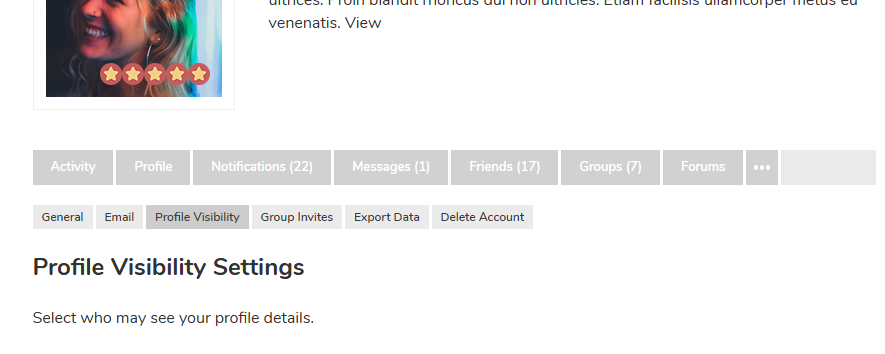
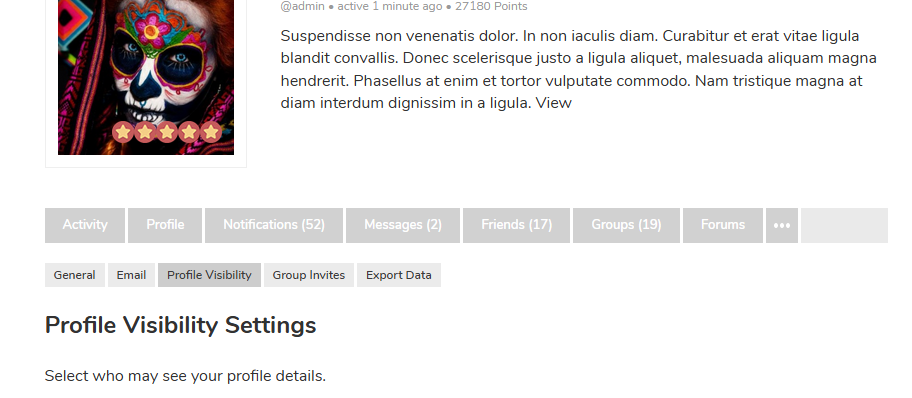
KeymasterOctober 16, 2019 at 21:22 in reply to: privacy settingsThis menu item could be added by some plugin.
KeymasterOctober 16, 2019 at 11:08 in reply to: privacy settingsI don’t see such option – http://diaboliquedesign.com/screenshots/1/screenshot_at_13-08-18.png
KeymasterOctober 16, 2019 at 10:47 in reply to: privacy settingsI see profile fields visibility option only – http://diaboliquedesign.com/screenshots/1/screenshot_at_12-46-54.png
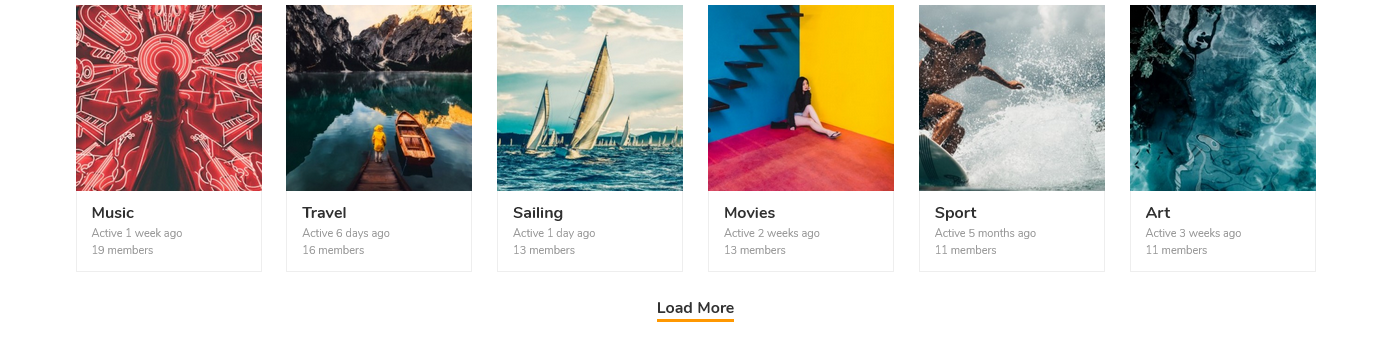
KeymasterKeymasterOctober 15, 2019 at 11:56 in reply to: translate questionsIt’s in the wp-content/plugins/onecommunity-shortcodes/js/functions.js file
more_btn[0].insertAdjacentHTML('afterbegin','Load More');KeymasterOctober 15, 2019 at 11:24 in reply to: translate questionsDo you mean this load more? – http://diaboliquedesign.com/screenshots/1/screenshot_at_13-23-53.png
KeymasterOctober 13, 2019 at 20:24 in reply to: translate questionsHello
Did you translate the OneCommunity Shortcodes plugin too?
The groups listing: here it says (in my language) “Active 2 days ago ago”. One ago would be sufficient.
Do you mean this page? – http://diaboliquedesign.com/demo/onecommunity-new/groups/
The last is on the detail page of the groups. Here “Active” is still in English while the rest is in my language.
It’s in the
buddypress/groups/single/group-header.phpYou can change active %s in 2 places
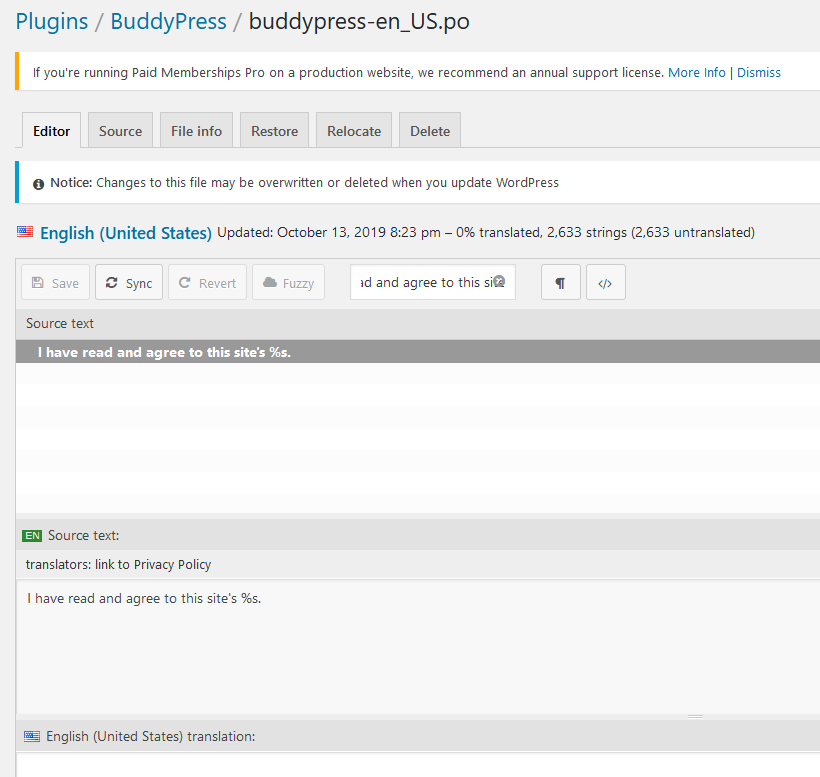
I also searched a few days for the text on the Registration page where visitors accept the privacy policy. I don’t know where to find it and would love to change a translate error in it.
You can translate it here – http://diaboliquedesign.com/screenshots/1/screenshot_at_22-24-07.png
KeymasterYou just shouldn’t aggregate javascript files.
2. Is it working when a defaul WP theme is active?
KeymasterWhat page displays this error?
KeymasterOctober 10, 2019 at 13:34 in reply to: Customise Group PageHello
You should edit following files
wp-content/themes/onecommunity/buddypress/members/single/profile-sidebar.php wp-content/themes/onecommunity/buddypress/groups/single/group-sidebar.phpKeymasterYes, it’s compatible. Live demo is on BP 5.0 -> http://diaboliquedesign.com/demo/communityjunction
KeymasterOctober 7, 2019 at 12:19 in reply to: Changing to Blog MasonryNo problem 🙂
KeymasterOctober 6, 2019 at 11:41 in reply to: Error Message and Demo UploadHello
Please use 6.68 version of all in one migration tool, it has 5 GB upload limit.
KeymasterPlease download this plugin from this source and install it:
diaboliquedesign.com/demo/onecommunity-new/wp-content/themes/onecommunity/plugins/onecommunity-shortcodes.zip
KeymasterIt’s caused by the Autoptimize plugin, you should minify CSS files only.
KeymasterYou can send it here https://themeforest.net/user/diabolique
KeymasterHello
I tested it and I uploaded file as attachment without any problems (regular user). Do you see the same problem when a default WP theme is active?
http://diaboliquedesign.com/screenshots/1/screenshot_at_16-13-59.png
KeymasterHello
Create empty page called for example Password Recovery (Pages → Add New) with selected Password Recovery template. Permalink for this page must be recovery – slug can be changed in the language file.
KeymasterHello
Are you talking about the BuddyPress Docs plugin?
KeymasterYou shouldn’t translate words starting from small cap.
KeymasterHi
You should keep translation files here /wp-content/languages after downloading it from plugins’ websites + translate theme and onecommunity shortcodes.
KeymasterHello
1. Youzer requires special version of theme without buddypress files inside theme. You should just activate youzer version of theme and copy&paste your custom style. Homepage and DB will work with both themes so you don’t have to migrate it.
2. “onecommunity-youzer-theme” is fork of main theme and both themes will be maintained by years because many clients are interested in both themes.
KeymasterSeptember 30, 2019 at 14:21 in reply to: BookingHello
As far as I know in event manager are possible custom attributes only – https://wp-events-plugin.com/documentation/event-attributes/
KeymasterSeptember 28, 2019 at 14:00 in reply to: all group pictures goneYou’re welcome 🙂
KeymasterSeptember 28, 2019 at 13:24 in reply to: all group pictures goneTry to open the onecommunity/buddypress/groups/single/home.php and make sure following code is there https://pastebin.com/Ly8PkH3T
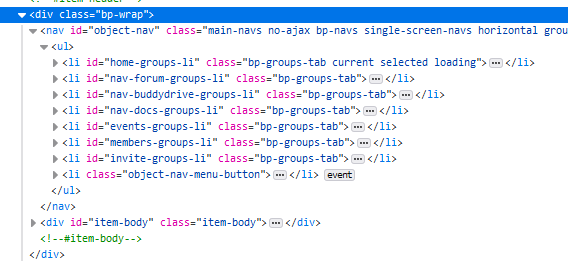
if it’s there then replace https://pastebin.com/Ly8PkH3T for https://pastebin.com/2ZbvbMhaKeymasterSeptember 28, 2019 at 09:25 in reply to: all group pictures goneOpen the wp-config.php file, enable debug mode and check out is there any error. Also please view the page source code and check is there this menu in code http://diaboliquedesign.com/screenshots/1/screenshot_at_11-25-08.png
KeymasterSeptember 28, 2019 at 08:30 in reply to: all group pictures goneHello
Are they visible when a default WP theme is active?
KeymasterSeptember 26, 2019 at 15:25 in reply to: blog posts + breadcrumbsWell, you should put it as a featured image.
-
This reply was modified 6 years ago by