-
DD
KeymasterJanuary 30, 2020 at 10:46 in reply to: Scrolling through the headerThere was another part of code corrupted around
<img src="https://singleadventures.nl/wp-content/uploads/2020/01/soulmate2.jpg
open frontpage-2.php, remove everything and paste it – https://pastebin.com/uKta5JVXKeymasterJanuary 30, 2020 at 09:35 in reply to: Scrolling through the headerI need to see it on the website once again
KeymasterJanuary 29, 2020 at 14:29 in reply to: Scrolling through the headerRemove everything and paste it – https://pastebin.com/zcXuRR8W
KeymasterJanuary 29, 2020 at 13:20 in reply to: Scrolling through the headerHello
You have some mess in the frontpage-2.php file, please post code from this file on https://pastebin.com/ and post link here so I will take a look on it.
KeymasterNot all sidebars, only 2 -> group and profile sidebars. It’s possible in the next theme update it will be widget ready.
Also, is there a shortcode available for the user’s “Profile Page”?
Almost all buddypress extension offers shortcodes.
For example I also use Elementor page builder and wondering if I can just “re-create” the profile page and add the widgets that I want.
Unfortunately elementor isn’t compatible with buddypress pages.
KeymasterJanuary 28, 2020 at 19:31 in reply to: How to update to new themeHello
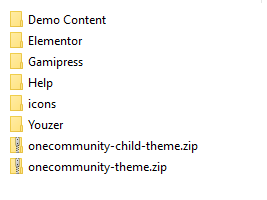
You should follow I, II and III steps -> https://diaboliquedesign.com/demo/cinematix-new/Help/
You can stay with 2.0 version too and do not update.KeymasterJanuary 27, 2020 at 12:34 in reply to: Hide meta dataUse following css (you can paste it under appearance -> customize -> additional css)
.box-blog-details .box-blog-time { display:none!important; }I guess I can use .group-box-details { display:none!important; } to hide everything except the name of the group on the frontpage?
Yes
KeymasterJanuary 26, 2020 at 14:28 in reply to: Hide meta dataHello
Pleaase use following css
.group-box-details-members { display:none!important; }also in the blog listing. “Active 6 months ago, 1 member” sounds a bit silly for me
Are you talking about this page? – https://diaboliquedesign.com/demo/onecommunity-new/news/
KeymasterHello
These sidebars are shortcodes based, you should put shortcde into these files:
wp-content/themes/onecommunity/buddypress/groups/single/group-sidebar.php
wp-content/themes/onecommunity/buddypress/members/single/profile-sidebar.phpKeymasterJanuary 21, 2020 at 16:13 in reply to: One Community and YouzerYou installed wrong version of theme which doesn’t work with Youzer. If you want to use theme with the Youzer plugin then you should install the special version of theme which is inside the Youzer folder -> onecommunity-youzer.zip
KeymasterWhat is Youzer Membership?
KeymasterWhat kind of membership?
KeymasterIf you are using youzer then you should use special version of theme created for youzer, it’s in the Youzer/onecommunity-youzer.zip folder. This is how this page should look like – https://diaboliquedesign.com/demo/onecommunity-youzer/register/
KeymasterWell, then I need your URL so I will check it out.
KeymasterI hope you have installed the special version of theme for youzer. I can’t duplicate your problem – https://diaboliquedesign.com/demo/onecommunity-youzer/register/
I tested it under a child theme and no problems here.KeymasterHello
How are enabling/disabling Youzer Membership? Please open registration page in chrome, press ctrl + shift + i go to the console tab and check out is there any error.
KeymasterWell, then I need URL and wp login credentials so I will make few tests.
KeymasterHello
You can add the for-logged-in-users or for-logged-out-users class to the whole section you created.
KeymasterJanuary 9, 2020 at 10:16 in reply to: New install setup questionsPlease open wp-content/themes/onecommunity/header.php and change slug over here
/registerFor login remove following class
header-top-login-jump login-popup-actionand addhref="https://..."The link with demo content should work fine now.
KeymasterYes, that’s correct.
KeymasterHello
I checked out the all listings page and no problems here:
Is it working fine under a default WP theme?
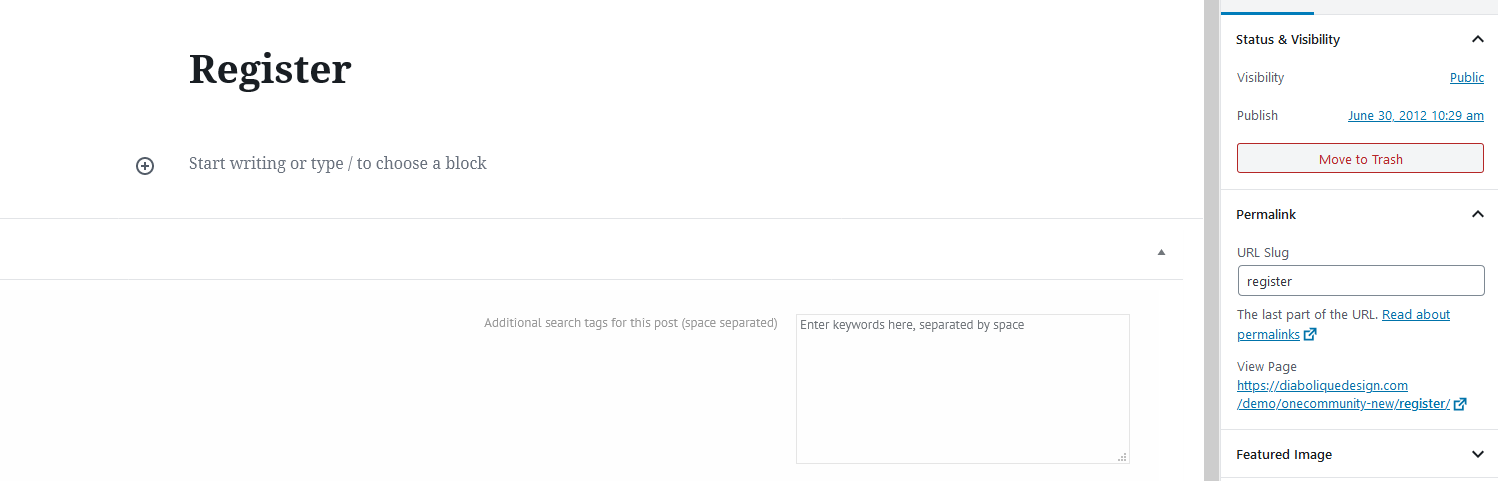
KeymasterProbably the slug to the registration page is different than /register. You can check it out under wp dashboard -> pages -> register
https://diaboliquedesign.com/screenshots/1/screenshot_at_13-30-10.png
KeymasterKeymasterDisable the Header Footer Code Manager plugin (it will enable button actions back, for example registration).
Is there a way to link the “Registration” button on the website to a custom link?
Open following file
onecommunity/header.php
and replace this slug/registerKeymasterJanuary 6, 2020 at 12:06 in reply to: The Events CalendarHello
I think it should work fine, if you will find any problems then let me know.
KeymasterIt can be cache issue or try to reupload the profile photo once again.
KeymasterJanuary 3, 2020 at 13:51 in reply to: Translation problemHello
You should translate the Communityjunction shortcodes plugin too.
KeymasterJanuary 3, 2020 at 12:30 in reply to: New install setup questionsHow do you want to change it?
KeymasterJanuary 2, 2020 at 10:30 in reply to: New install setup questions1. Support doesn’t cover such extended customisations -> https://themeforest.net/page/item_support_policy
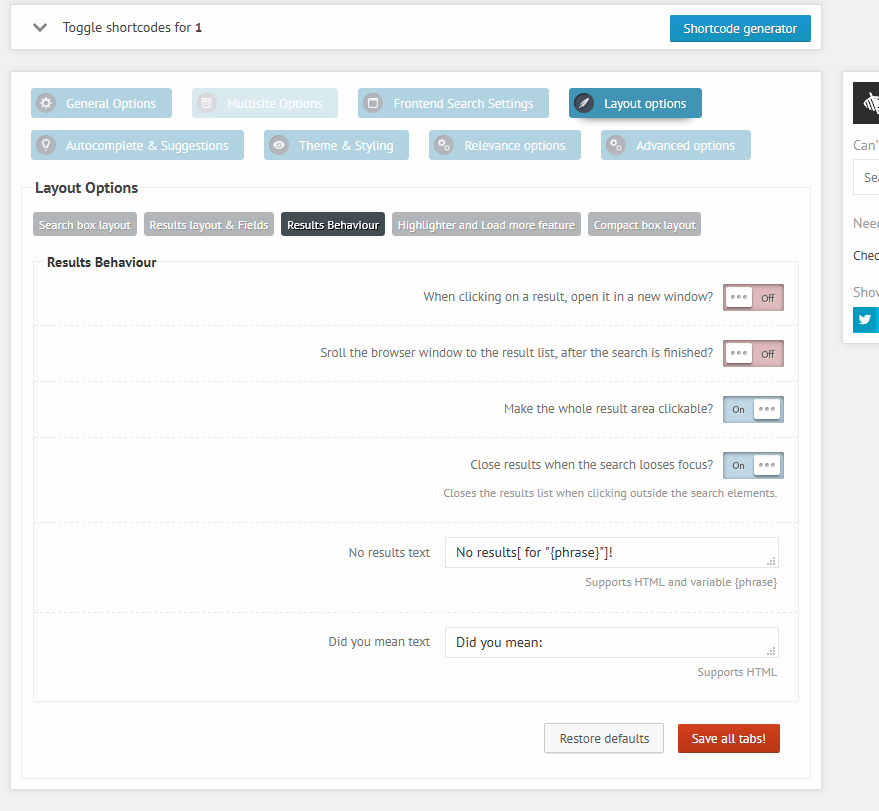
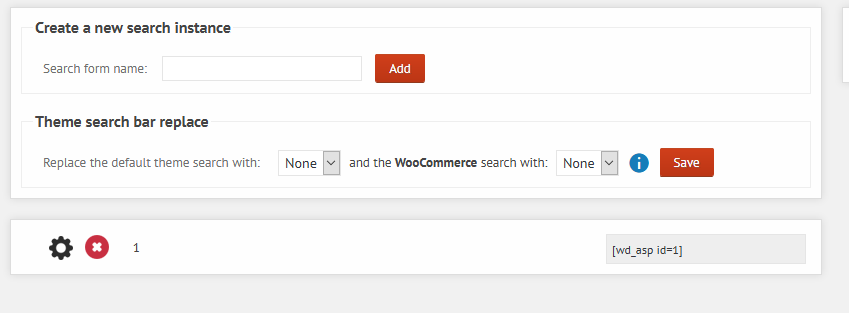
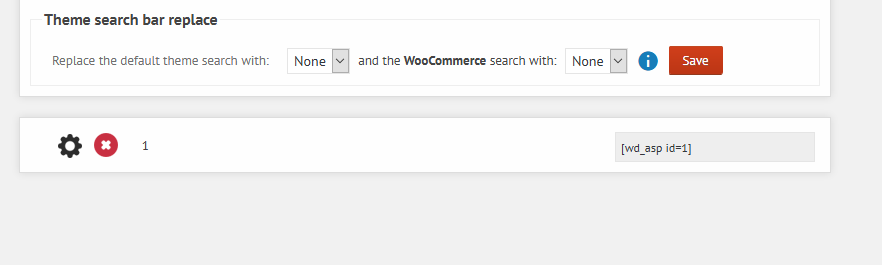
2. You should just disable the ajax search pro plugin.
3. Use following css
header#main { #000000; }
#header-menu-container .header-menu a { color: #383838; }
4. Style of these buttons is in the style.css
.header-top-login { border: 1px solid #efefef; color: #383838; float: right; cursor: pointer; } .header-top-login, .header-top-signin { font-size: 14px; padding: 4px 20px; margin-top: 16px; text-transform: uppercase; font-weight: 700; }KeymasterHello
Please disable the Header Footer Code Manager plugin.
KeymasterIf it’s not working with a default wp theme then probably there is some bug and you should report it to the plugin’s author.
KeymasterMaybe it’s in the spam folder? Does it work with a default WP theme?
KeymasterDecember 30, 2019 at 10:19 in reply to: Custom button menu on log inHello
Open onecommunity\template-parts\header-user-panel.php and remove it
<li><a href="<?php echo bp_loggedin_user_domain(); ?><?php esc_attr_e('forums', 'onecommunity'); ?>"><?php esc_attr_e('Forums', 'onecommunity'); ?></a></li>You can translate it using the loco translate plugin. Please check out the IX. How to translate theme? chapter in the theme’s doc.
KeymasterThis is how it looks like after applied changes
https://diaboliquedesign.com/screenshots/1/screenshot_at_12-32-13.png
https://diaboliquedesign.com/screenshots/1/screenshot_at_12-32-31.pngKeymasterDecember 26, 2019 at 12:27 in reply to: New install setup questionsThere should be new version notification displayed if you upgrade theme first.
KeymasterDecember 26, 2019 at 12:25 in reply to: Home Page after loginTry do not combine all javascript files in one file and test it once again.
KeymasterDecember 24, 2019 at 23:22 in reply to: No Join Group Button on Group Page or Group Directory for MembersThey said the youzer plugin doesn’t have option to hide this button so there is some other source of problem.
KeymasterDecember 24, 2019 at 22:17 in reply to: Post Button in group & profile Not Working/Activity Delete button not workingI see the error caused by adsbygoogle too. What setting you used to reset the youzer plugin?
KeymasterDecember 24, 2019 at 22:12 in reply to: New install setup questionsI have checked out your website and I can’t find any no found pages. Anyway you used the old version of the onecommunity shortcodes plugin, I updated it on your website, so please let me know is there still the not found errors.
KeymasterDecember 24, 2019 at 21:57 in reply to: No Join Group Button on Group Page or Group Directory for MembersI asked the youzer developer for help. In the meantime you can enable the debug mode in wp-config.php and make sure there is no error.
KeymasterDecember 23, 2019 at 14:44 in reply to: New install setup questionsIt can be caused by some other plugin which isn’t shipped with theme. Maybe some kind of conflict between cache plugins.
KeymasterDecember 23, 2019 at 12:54 in reply to: New install setup questionsHello
I don’t see any problem – https://diaboliquedesign.com/screenshots/1/screenshot_at_13-42-10.png
Secondly, I’m still having this ongoing issue of the “page not found” happening “randomly”, even after updating to the latest version of the theme.
Does it happen with the learnpress plugin active?
KeymasterDecember 21, 2019 at 11:18 in reply to: No Join Group Button on Group Page or Group Directory for MembersProbably you disabled it somewhere, there should be such button – https://diaboliquedesign.com/screenshots/1/screenshot_at_12-18-04.png
https://diaboliquedesign.com/screenshots/1/screenshot_at_12-18-44.pngKeymasterDecember 21, 2019 at 10:56 in reply to: Post Button in group & profile Not Working/Activity Delete button not workingI think it can be caused by rtmedia plugin, youzer has own media management system so you should remove the rtmedia plugin.
KeymasterDecember 21, 2019 at 10:53 in reply to: Home Page after loginCan you open this page in chrome, press ctrl + shift + i -> console and while clicking on the “load more” button check out is there and javascript error?
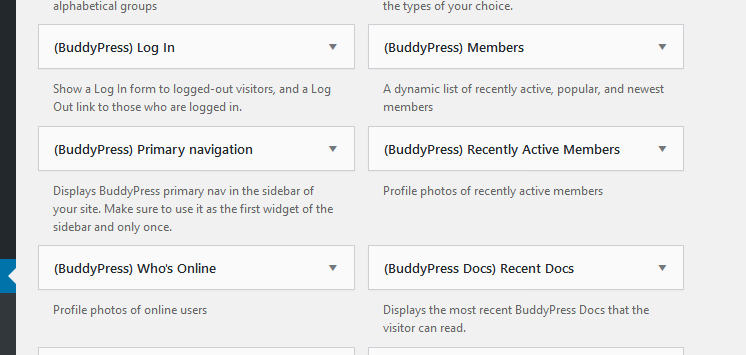
KeymasterDecember 20, 2019 at 15:34 in reply to: How to Show Online and new users on homepage to all the publicThere are Members and Who’s online widgets – https://diaboliquedesign.com/screenshots/1/screenshot_at_16-34-17.png
KeymasterHello
If you are using the child theme then it would be better to keep css in style.css of the child theme and then keep the child theme in backup.
KeymasterHello
Open the wp-content\themes\onecommunity\header.php file and remove it
get_template_part( 'template-parts/header', 'notifications' );KeymasterPlease open the wp-content\themes\onecommunity\buddypress\groups\single\group-header.php file, remove everything and paste it https://pastebin.com/zGMzyHnb
KeymasterTry to move Forums to the right side over here
https://diaboliquedesign.com/screenshots/1/screenshot_at_12-40-45.png
KeymasterDecember 20, 2019 at 09:26 in reply to: Home Page after loginHello
Does it happen before you press any tab or after?
KeymasterDecember 20, 2019 at 09:16 in reply to: Post Button in group & profile Not Working/Activity Delete button not workingHello
I can’t duplicate your problem – https://imgur.com/a/WOmAXxa
Please open this page on chrome, press Ctrl + shift + i -> console and while clicking on the delete/post button make sure there is no error.
Keymaster3/ it’s over here – https://diaboliquedesign.com/screenshots/1/screenshot_at_15-47-07.png
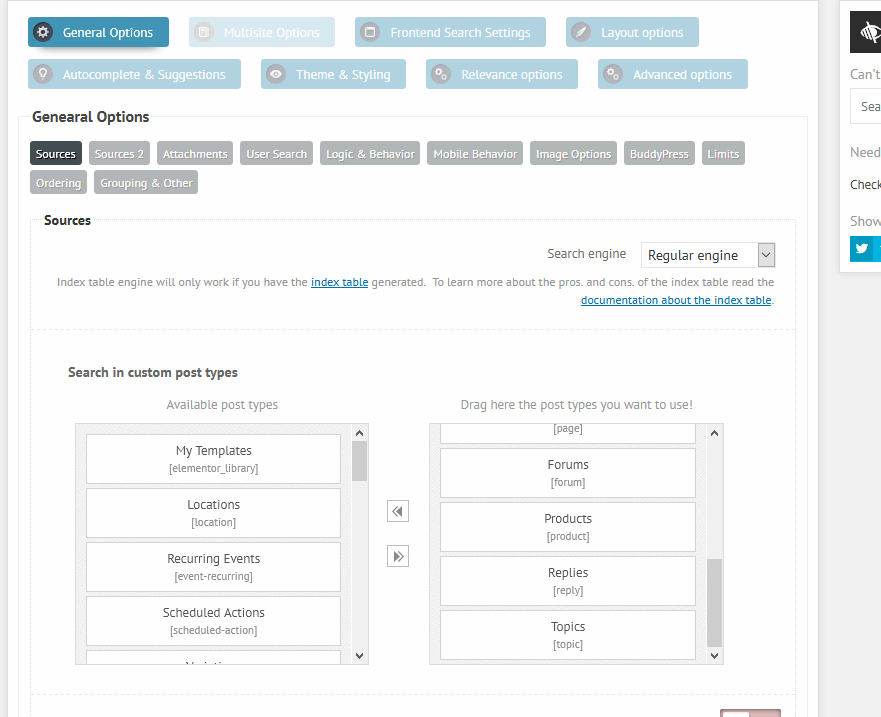
KeymasterGo to Ajax Search Pro -> Maintenance -> Wipe all plugin data & deactivate Ajax Search Pro and install this plugin once again following the V. How to install Ajax Search Pro plugin? chapter -> https://diaboliquedesign.com/demo/onecommunity-new/Help/#search
KeymasterThis is how it should look like – https://diaboliquedesign.com/screenshots/1/screenshot_at_12-02-33.png
KeymasterHello
There was a theme update released yesterday to the 3.5.1 version so maybe you setup the automatic update and it overwritten your customisations..
Try to keep your custom style in the chilf theme or under appearance -> customize -> additional cssKeymasterHello
I can’t see your screenshots because the page redirects to the login page.
KeymasterHello
Under the ajax search pro settings should be such shortcode https://diaboliquedesign.com/screenshots/1/screenshot_at_20-17-41.png
KeymasterDecember 18, 2019 at 08:56 in reply to: How can I have two sidebars with this theme (Left and Right)?Hello
You should just create 3 columns – https://diaboliquedesign.com/screenshots/1/screenshot_at_09-56-10.png
KeymasterDecember 18, 2019 at 08:51 in reply to: All in one migration troubleIt’s in the Demo Content folder – https://diaboliquedesign.com/screenshots/1/screenshot_at_09-50-57.png
KeymasterDecember 17, 2019 at 09:36 in reply to: Home Page after loginIf you are using Frontpage 1/Frontpage 2 page template then you can’t edit it with elementor.
Only pages with Frontpage Page Builder page template are customisable by elementor.KeymasterDecember 12, 2019 at 11:18 in reply to: Home Page after loginElementor isn’t compatible with buddypress pages, you can customise Frontpage 1 Elementor and Frontpage 2 Elementor pages for example.
KeymasterDecember 11, 2019 at 11:38 in reply to: Home Page after loginIf this is an elementor page then you can change it with elementor – https://diaboliquedesign.com/screenshots/1/screenshot_at_12-33-38.png
if not then open the frontpage-1.php/frontpage-2.php file and change this part of code
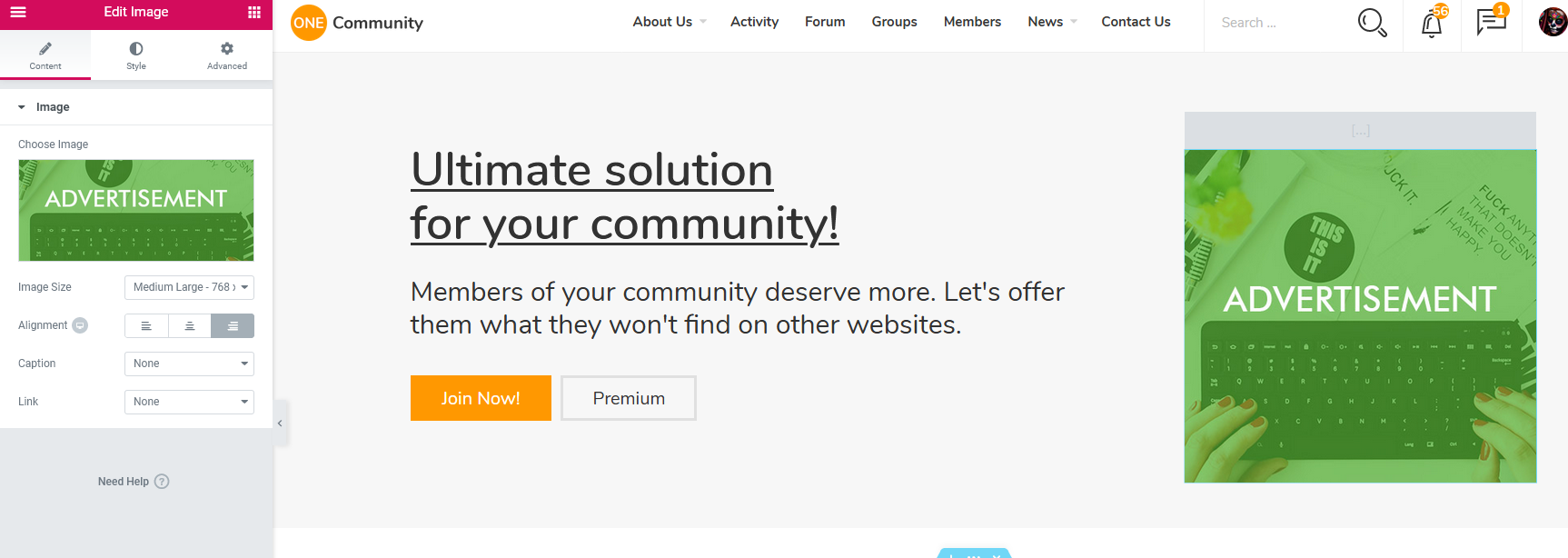
<a href=""><img src="<?php echo get_template_directory_uri(); ?>/img/ad-header.jpg"></a>Secondly, can the search button work in a way that it will return results on a page instead of just providing a list as I type.
As far as I know it’s not possible.
Thirdly, I tried to update Ajax search pro and got the following error message. “Update Failed: To receive automatic updates license activation is required. Please visit Settings to activate Ajax Search Pro.”
Just remove this plugin and lunch the plugins installation wizard once again.
KeymasterDecember 10, 2019 at 10:18 in reply to: Home Page after loginAdvertisement is visible for logged in users. Please check out this chapter – https://diaboliquedesign.com/demo/onecommunity-new/Help/#speed
KeymasterThis link points to CommunityJunction theme, you are allowed to browse OneCommunity forum only.
KeymasterDecember 9, 2019 at 12:19 in reply to: New install setup questionsHello
1. Each page has unique body class, for example this page has page-id-76 unique selector so if you want to hide menu on this page then ise following code
body.page-id-76 #header-menu-container { display:none; }2. Use following code
#header-menu-container .header-menu .nav-ul-container ul { background: rgba(255,255,2550,0.3); }3. Use following css
#header-menu-container { display:none; }
#mobile-nav { display:block; }
use body.page-id-XX prefix if you want to hide/show it on specific pages.
KeymasterHello
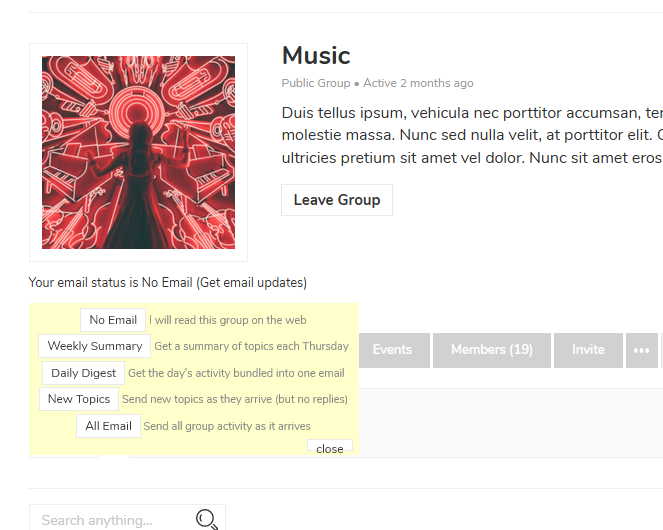
This plugin should help you – https://wordpress.org/plugins/buddypress-group-email-subscription/
ADMIN NOTIFICATION
Group admins can send out an email to all group members from the group’s admin section. The email will be sent to all group members regardless of subscription status. This feature is helpful to quickly communicate to the whole group, but it should be used with caution.KeymasterThis plugin doesn’t have .pot file so you can’t find such translations but these words are in files inside incs/ folder.
KeymasterHello
Go to wp dashboard -> gamipress -> rank types -> edit -> Rank activity entries: off
Make the same setting for achievements.
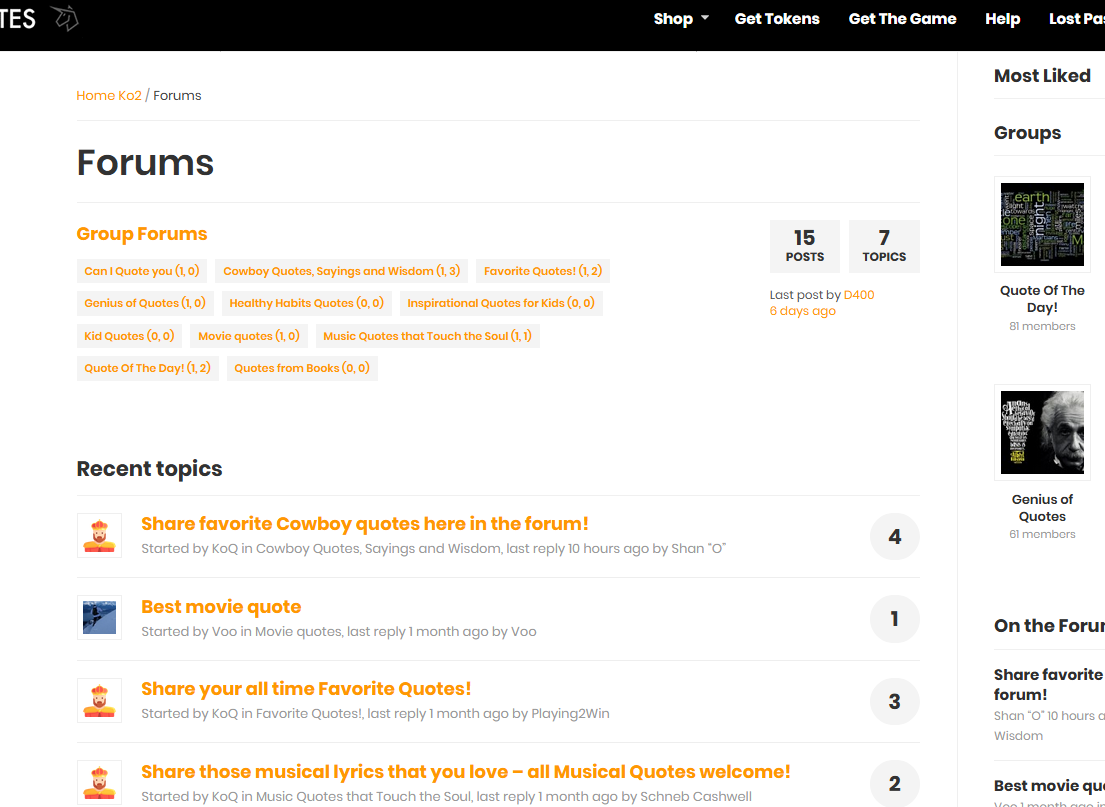
KeymasterDo you use some plugin extending functionality of bbpress?